
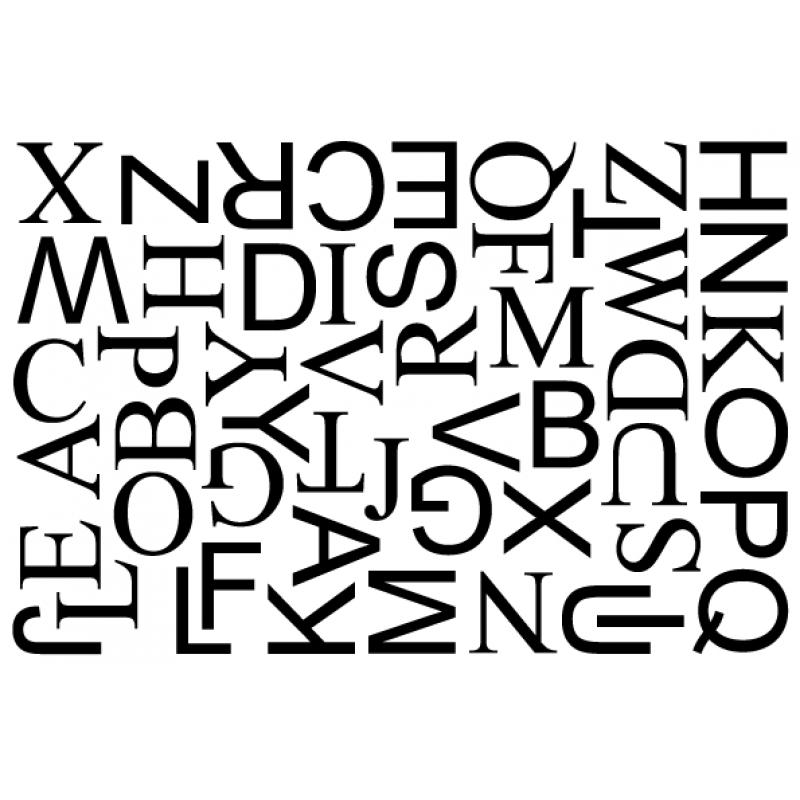
Nesting and Material Calculator PowerScript for Adobe Illustrator
- Pay once, no subscription
- Free updates
- Windows and Mac, Adobe Illustrator
- Runs inside the PowerScripts panel
Get the most out of every sheet, roll and board. Nesting packs your artwork tightly, by box or by its real shape, for print, vinyl, stickers, CNC and laser, and works out exactly how much material a job needs for quoting and planning.
True-shape nesting
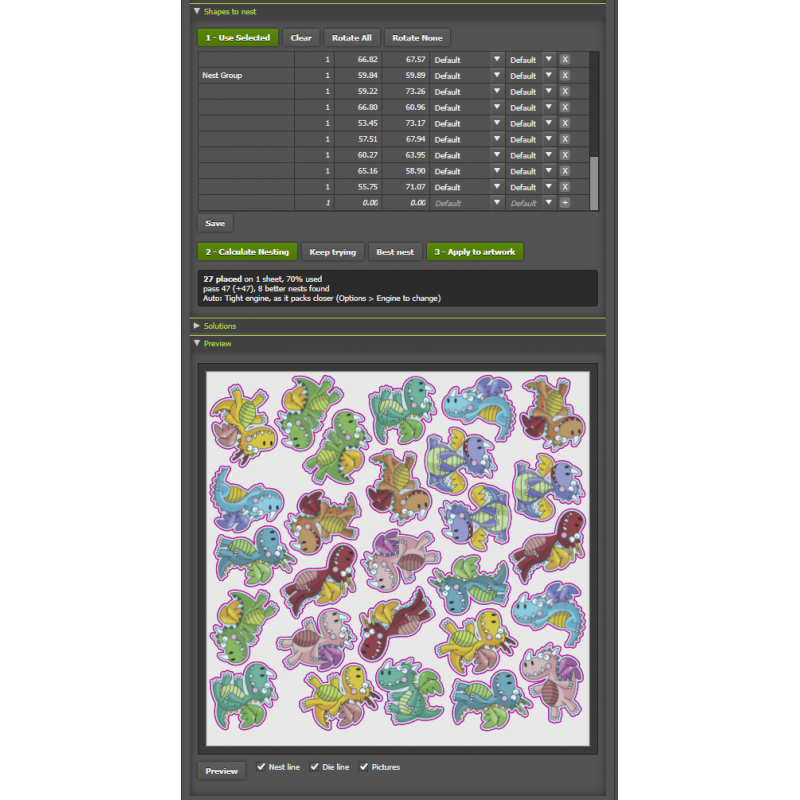
Shape Nest fits pieces together by their real outlines.
Box nesting
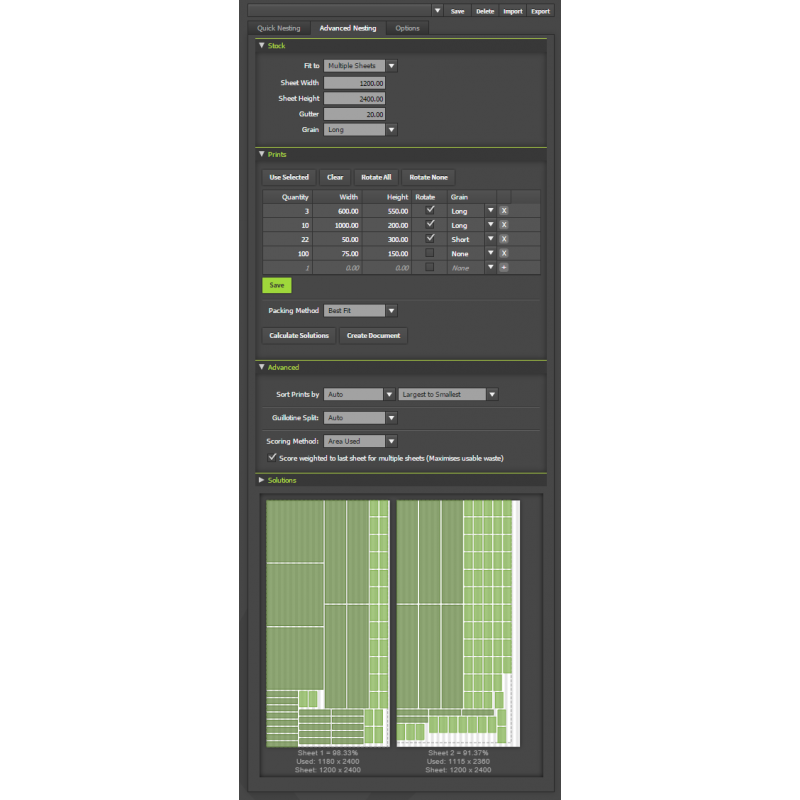
Best Fit packs tight; Easy Cut lays out straight guillotine cuts.
Die lines kept
Stickers stay with their CutContour, even across many layers.
Quote the job
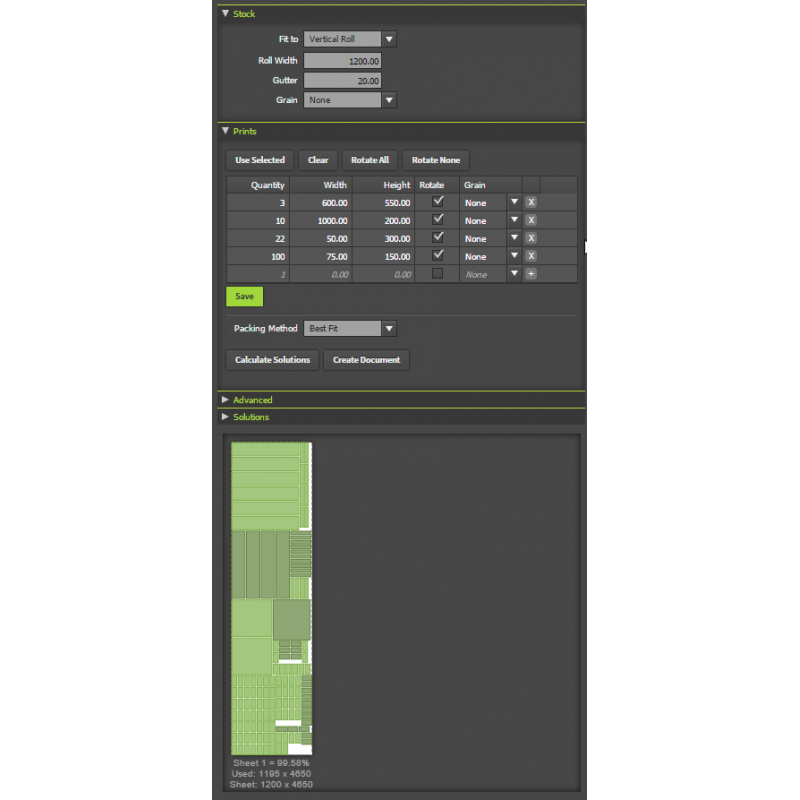
Type in sizes and quantities to work out media before there's any artwork.
Four ways to nest
Two box methods: Best Fit packs pieces tightly as rectangles, and Easy Cut lays them out in straight-line cuts, ready for a guillotine or panel saw. Two true-shape engines in Shape Nest: Tight packs shapes as closely as possible (lettering about a sixth shorter in our tests) and is usually faster on simple CNC and laser shapes; Standard handles the complex jobs. Auto picks the right engine for each job and tells you why, or run Both and keep the best layout of either.
Quick Nesting: one button
Select the artwork and nest it on the artboard in one click. Choose Shape Nest for stickers and graphics (keeps the artwork with its die line), Shape Nest for CNC and laser (every shape by its own outline), or Best Fit or Easy Cut. Allow rotations, set the gap, and let the artboard grow to fit.
Shape Nest: real shapes, real control
Nest onto the artboard, a fixed sheet size, or inside shapes you draw, around locked artwork that stays put. Use the quantities from the list or fill the sheet with as many copies as fit, starting from any of 8 edges and corners for rolls, laser beds and CNC tables. Set the gap, the distance from the edge and a bleed, and turning (90°, every 45°, 180° only or none). Small shapes go inside larger ones: the middle of an O, a frame, the bowl of a G.
Die lines, nest paths and clipping masks
Create Die Line draws a cut path any distance outside or inside your artwork, in CutContour, CutPath or your own cut colour. Create Nest Path gives you the outline a piece is fitted by, to edit like any path: a simple nest path around a bumpy sticker or detailed lettering makes nesting much faster. Create Clipping Mask trims artwork to its die line plus bleed, or let Shape Nest add masks for you. After Apply, die lines go to their own layer and nest paths to a non-printing layer.
Box nesting for sheets and rolls
Single sheet, multiple sheets, your document's artboards, or a vertical or horizontal roll that grows as far as it needs to. Grain direction for fluted board and wood, pre-sorting and scoring options (including keeping the leftover piece on the last sheet usable), borders and annotations, and turn a solution into a template document with sizes, ready to print as a cutting spec.
Find the best layout
Work out several solutions, preview them with pictures of your artwork (nest lines in cyan, die lines in magenta), and pick the one you want. Keep trying searches for a tighter layout for up to 5 minutes and lists the best ones. Apply shows its progress and can be stopped.
New in the free updates
- Shape Nest: true-shape nesting for stickers, lettering, signs, CNC and laser cutting.
- The Tight engine, and Auto and Both to pick or compare engines.
- Die lines kept with their artwork, nest inside your own shapes, small shapes inside larger ones, fill from any edge or corner.
- Create Nest Path, Create Die Line and Create Clipping Mask, and Keep trying for the best nest.
Who it's for
- Sticker and label printersPack die-cut stickers onto sheets and rolls with their cut lines.
- Sign and vinyl shopsLettering and shapes nested tight to save vinyl.
- CNC and laser cuttingNest parts by their real outline on your bed or board.
- EstimatorsWork out how much media a job needs, before there's any artwork.
* This product is a digital download.
System Requirements
• Windows PC or Mac
• Adobe Illustrator 2022 or later
• Internet Connection required to activate
Related Products
Printers Script Package (includes 33 PowerScripts) for Adobe Illustrator
The complete set for printers and designers: every design, colour, chart, PDF, prepress and finish..
$395.00 USD $805.00 USD Ex Tax: $395.00 USD
Production Script Package (includes 24 PowerScripts) for Adobe Illustrator
For designers and prepress professionals: everything in the Designers package plus Nesting, Barcod..
$210.00 USD $480.00 USD Ex Tax: $210.00 USD