
Free online tools
Handy tools that run in your browser. Free to use, nothing to install.
Laser cutting and engraving
Test chart generators for LightBurn
Make LightBurn test files for your laser in seconds: pick the range of power and speed you want to try, download the file, run it, and read off the best settings.
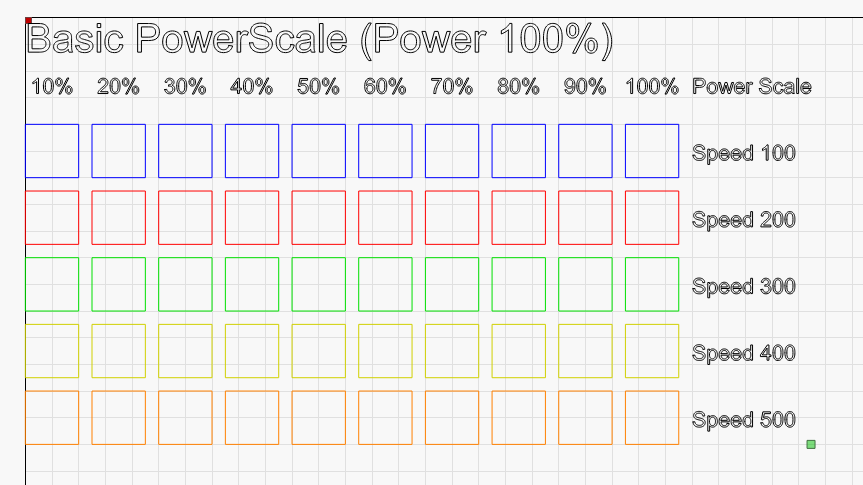
Basic power vs speed
A basic test grid for cutting speed and power.
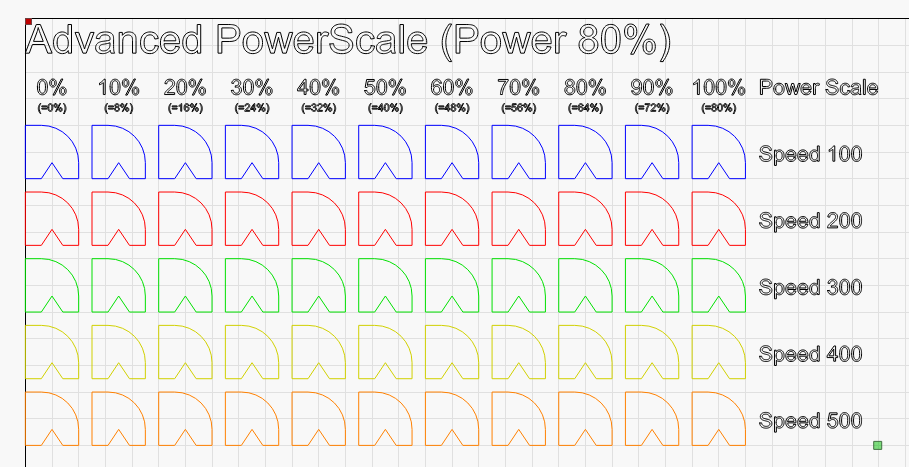
Advanced power vs speed
Uses LightBurn's PowerScale to test many power levels on one layer.
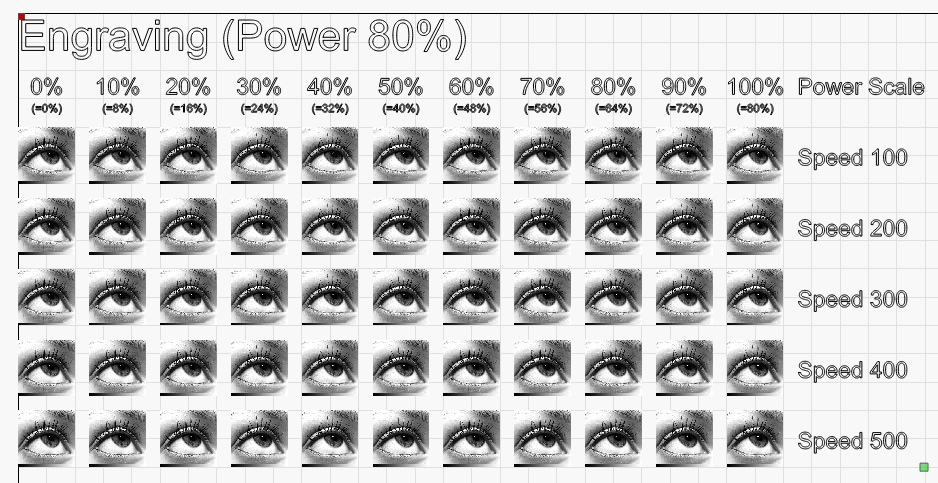
Engrave power vs speed
Find the right engraving speed and power.
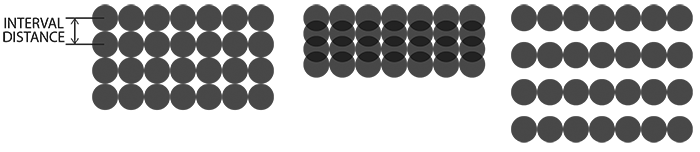
Engrave interval
Fine-tune the line interval for your laser's dot size.
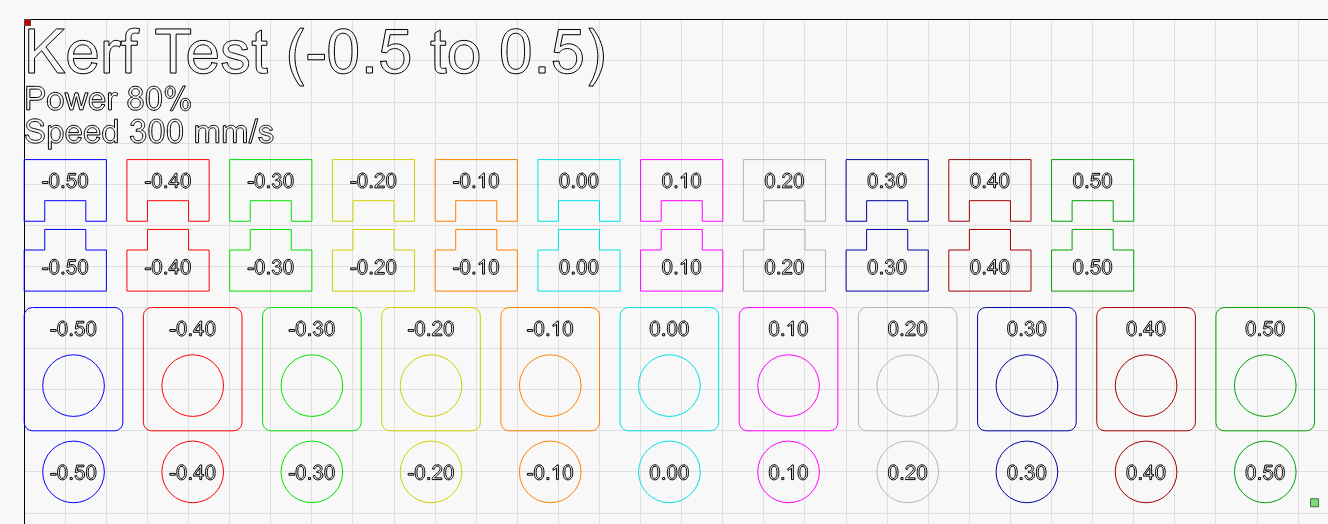
Kerf test
Find the kerf offset for a perfect fit on interlocking shapes.
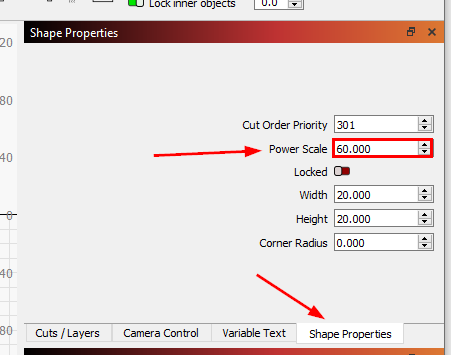
How the generators work
New to LightBurn? How the files set different power levels on one layer.
Work in Adobe Illustrator too?
PowerScripts automates the boring parts of Illustrator for print, prepress and sign making. Pay once, no subscription.
Browse the scripts Try it free